Risbl Admin is a lightweight PHP-based tool designed to make it easy for web developers to create admin menus and fields for their plugins. It’s specifically built for WordPress CMS, offering a simple and efficient way to manage plugin settings.
Check the plugin out and discover the code in GitHub:
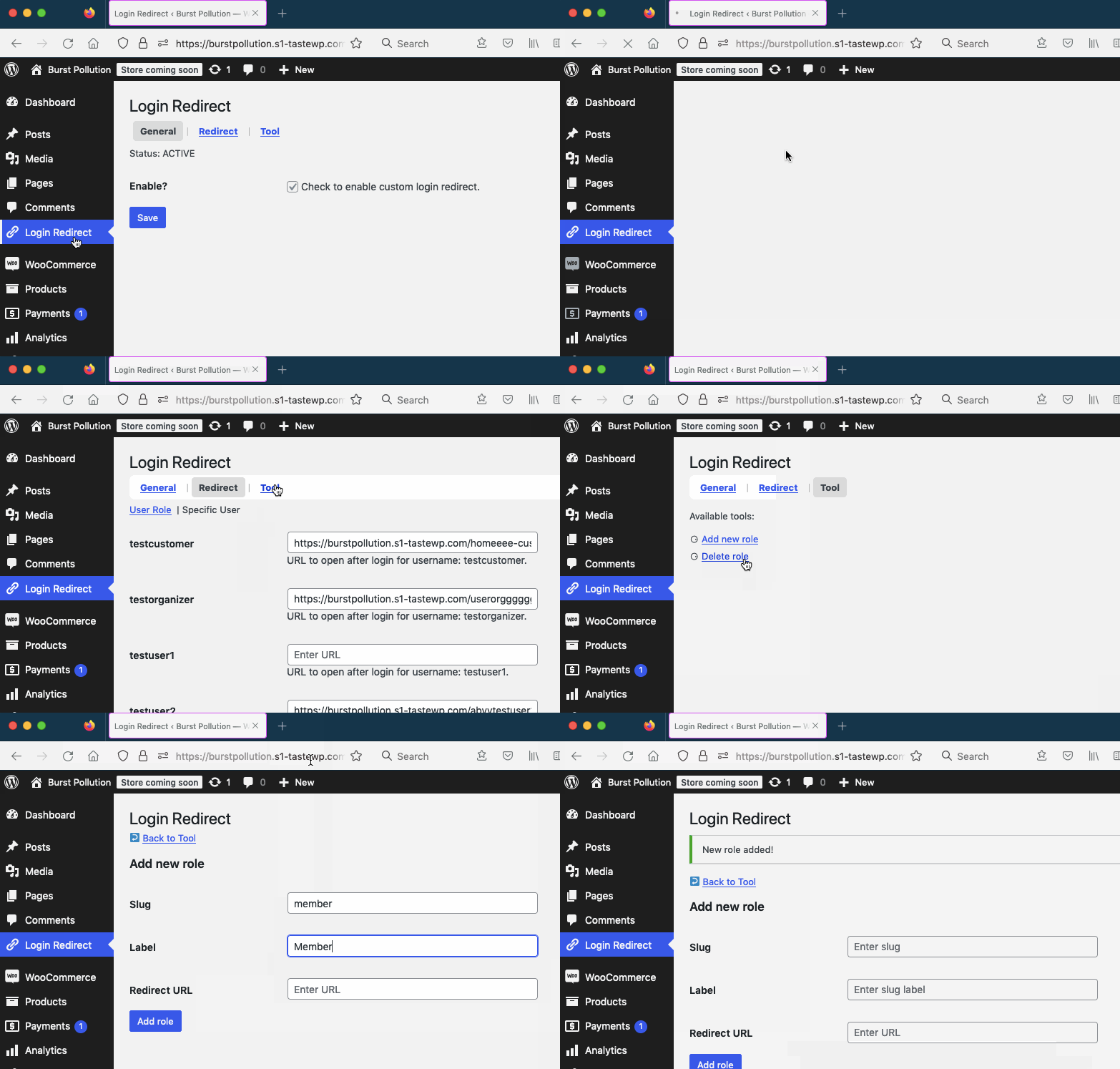
You may also want to see the working plugin built on top of it: Risbl Default Page after User Login. Below is the quick preview of it:
Important:
Risbl Admin is currently in BETA mode, which is currently under initial finalization. That’s why supported input fields are still limited. We are working hard to add more.
Documentation:
Code example to configure plugin menu, features administration screen, and pages:
Details:
Risbl Admin Object Call
$setting_page = new Risbl_Admin();Configuring an Admin Page
$setting_page->config( string[] $config )->add_setting_screen();Parameter:
$config ( string[] )
An array to define configuration
Config array keys:
- parent_admin: ( string ) Parent menu page.
- parent_admin_slug: ( string ) Parent menu page slug.
- page_title: ( string ) Title of the settings page (appears in the browser tab).
- menu_title: ( string ) Title of the menu item (appears in the WordPress admin sidebar).
- capability: ( string ) User capability required to access the menu and settings page. Ref.
- menu_slug: ( string ) Unique slug for the menu item (used in URLs).
- icon_url: ( string ) URL or Dashicon class for the menu icon. Ref.
- position: ( string ) Position of the menu item in the WordPress admin sidebar.
- tabs: ( string[] ) Associative array of tabs (key: tab slug, value: tab name).
- tab_param: ( string ) URL parameter used to identify the active tab.
- tab_index: ( string ) Default tab to display when the settings page is first loaded.
- has_group: ( string ) Indicates if the settings page uses grouped fields (‘yes’ or ‘no’).
- group_index: ( string ) Identifier for default group to open.
- form_wrap: ( string[] ) Opening and closing HTML tags for the settings form (e.g., tag).
Note: parent_admin can accept page slug value.
Adding Admin Page(s)
$setting_page->add_page($page_id, $callback_function);Parameters:
$page_id ( string )
ID for tab or page
$callback_function ( string )
Function or method name that renders the page content
Note: If the tab ID matches one from the tabs array in $config, the page will appear under that tab. Otherwise, it will be created as a standalone page.